
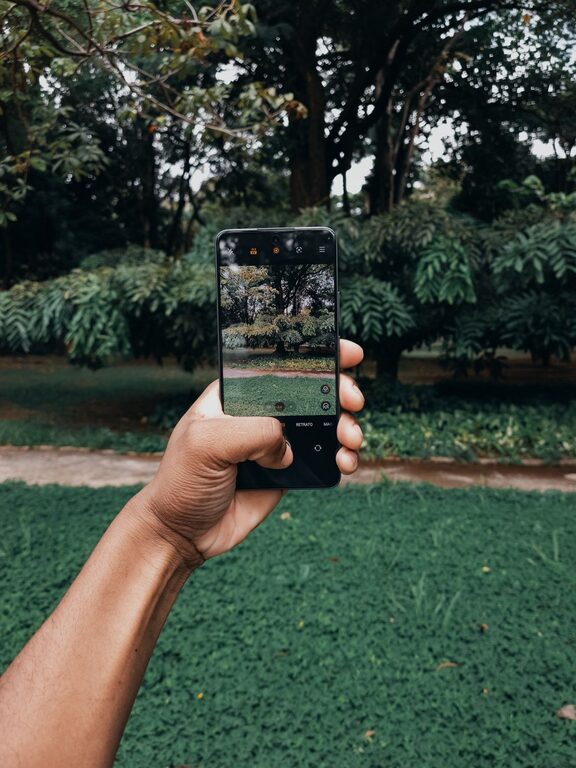
Taking great photos with your phone is easier than you might think. With the right techniques and a little practice, you can capture stunning images that look professional and memorable. Whether you’re snapping pictures of friends, landscapes, or everyday moments, these beginner tips will help you get the most out of your phone camera.
Understand Your Phone Camera
Before diving into techniques, it’s good to familiarize yourself with your phone’s camera features.
– Explore Camera Modes: Most smartphones offer different modes like portrait, panorama, night, and manual. Try them out to see which work best in various situations.
– Learn the Controls: Know how to adjust focus, exposure, and zoom. Many phones allow you to tap the screen to focus and swipe up or down to change brightness.
– Use Gridlines: Enable the gridlines option in the settings to help compose more balanced and visually appealing photos.
Basics of Composition
Composition is about arranging elements within your photo to create a compelling image.
Rule of Thirds
Imagine your frame divided into thirds horizontally and vertically, creating nine equal parts. Positioning your subject along these lines or at their intersections often makes photos more interesting.
Leading Lines
Use natural or man-made lines in your scene to guide the viewer’s eye toward your subject.
Framing
Look for elements like windows, branches, or arches to frame your subject and add depth.
Keep It Simple
Avoid clutter in your photos. Focus on one main subject and ensure the background isn’t distracting.
Lighting Tips
Good lighting can dramatically improve your photos.
– Use Natural Light: Whenever possible, shoot in natural light. Early morning or late afternoon (golden hour) light is especially flattering.
– Avoid Harsh Midday Sun: Bright sunlight can create unwanted shadows and highlights. If shooting midday, find shaded areas.
– Face the Light: Position your subject so they are facing the light source to avoid dark shadows.
– Try Backlighting: Placing the light behind your subject can create interesting silhouettes or halo effects if done correctly.
Focus and Exposure
Getting the right focus and exposure is key to clear photos.
– Tap to Focus: Tap on the screen where you want your camera to focus. This also helps your phone adjust the exposure accordingly.
– Lock Focus and Exposure: Most phones allow you to lock focus and exposure by holding your finger on the screen. This is helpful when taking multiple shots of a scene.
– Avoid Digital Zoom: Zooming digitally reduces photo quality. Instead, move closer to your subject or crop the photo afterward.
Stabilize Your Shots
Blurry photos are often caused by camera shake.
– Hold Your Phone Steady: Use both hands and keep your elbows close to your body.
– Use a Tripod or Stand: For the best stability, especially in low light or longer exposures, consider a small phone tripod.
– Use Burst Mode: Taking several photos in quick succession increases your chances of getting a sharp shot.
Edit Your Photos
Editing can enhance your photos without making them look overdone.
– Use Built-in Editors: Most phones have simple editing tools for cropping, adjusting brightness, contrast, and saturation.
– Try Free Apps: Apps like Snapseed or VSCO offer more advanced editing features but remain user-friendly.
– Avoid Over-Editing: Keep edits subtle to maintain a natural look.
Practice and Experiment
Photography is an art, and the best way to improve is through practice.
– Try Different Angles: Don’t just shoot from eye level; get low, climb higher, or shoot from the side.
– Experiment with Settings: Play with different camera modes and manual controls.
– Review Your Photos: Look at what worked and what didn’t. Learn from your shots.
Final Thoughts
With these beginner tips, you’ll be able to capture better phone photos that tell your story beautifully. Remember, the key to improving is to keep practicing and enjoying the process. Happy shooting!